

AI Feature Integration
Eighty Days App UX Case Study: Automating Itinerary Creation with Conversational AI
Introducing AI automation to complex itinerary planning, turning multi-step manual tasks into a single chat command.

Impact by the Numbers
The AI feature drastically reduced the time and effort required for core application tasks, leading to higher engagement and satisfaction.
Time to Create Itinerary (Manual)
15+ Clicks
Time to Create Itinerary (AI)
1 cmd.
User Engagement with Planning
+40%
User Satisfaction Score (Feature)
Very High
About the Client
Our Client at a Glance
Eighty Days App
A comprehensive travel planning application where users manually build multi-destination, detailed trip itineraries.
The Core Problem
While the app provided powerful planning tools, the manual process of selecting dates, destinations, and preferences was complex and time-consuming, creating friction for first-time users.

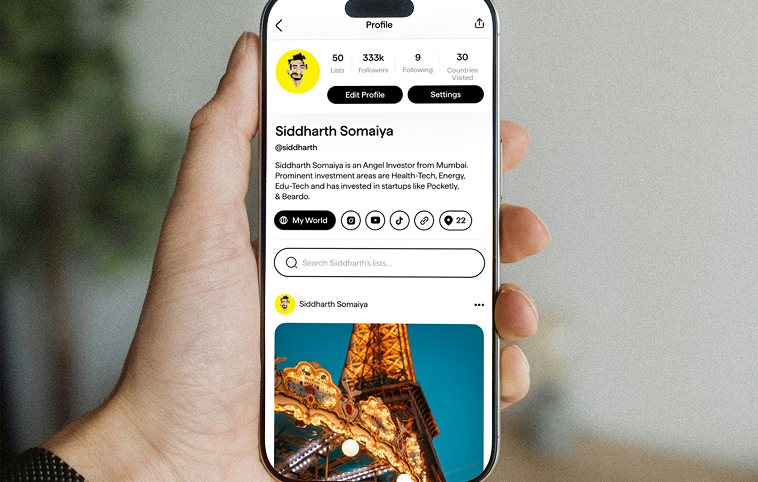
The Roadblock: Complex Manual Planning
High Cognitive Load
Users had to navigate multiple screens and input fields to set up a trip, leading to decision fatigue and abandonment.
Itinerary Abandonment Rate
High
Tedious Manual Process
Building a detailed itinerary required numerous clicks and manual integration of preferences and Google Services data.
Steps to Completion
15+ Steps
Steep Learning Curve
New users struggled to understand the step-by-step logic of the itinerary creation tool.
First-Time User Confusion
High
The Client’s Vision: Effortless Travel Planning

01
Simplify Core Feature Usage
Make the core task of itinerary creation accessible and easy for all users, regardless of planning skill.
02
Introduce Conversational UX
Allow users to interact with the app using natural language, as if talking to a personal assistant.
03
Enhance Speed and Delight
Leverage AI and existing Google Services APIs to automate the entire process for maximum speed and user satisfaction.
Our Solutions
One Command, One Itinerary
01
The Conversational Interface
02
AI-Driven Automation
03
Seamless Google Services Integration
04
Enhanced User Experience (UX)
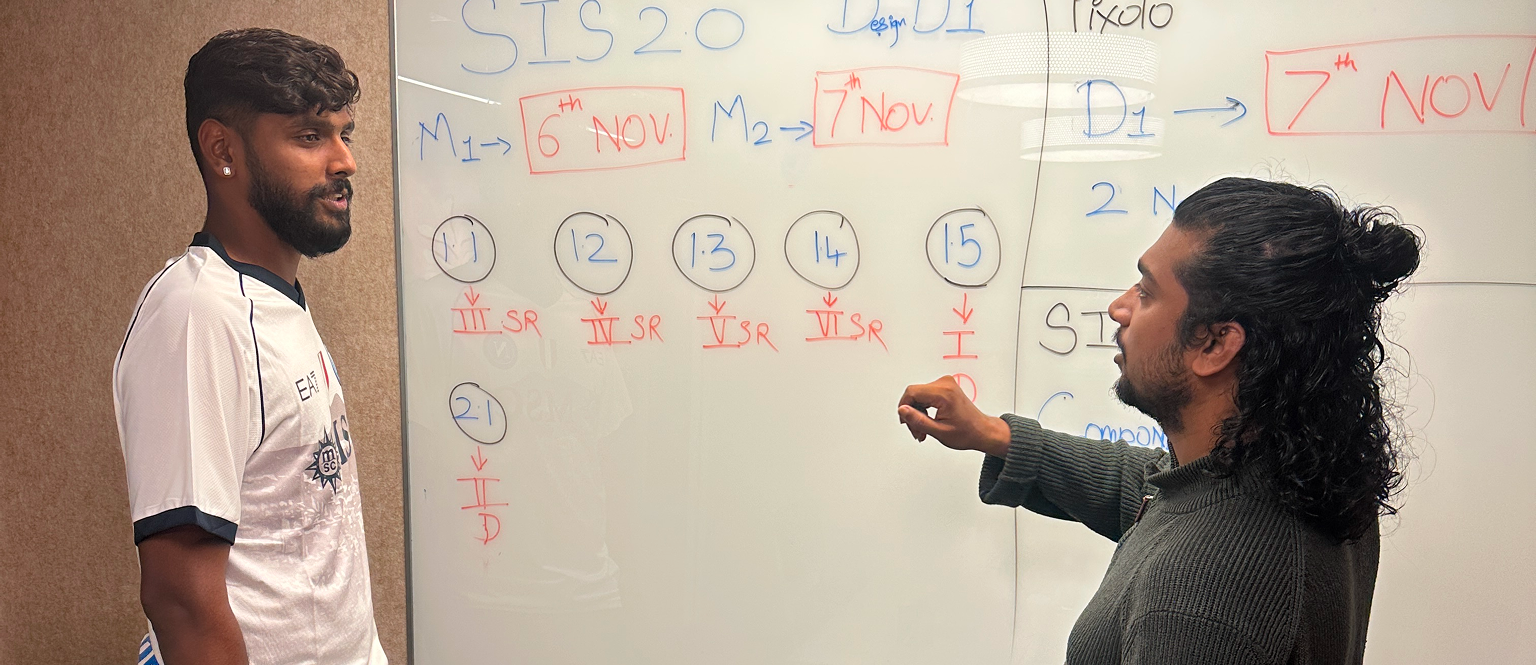
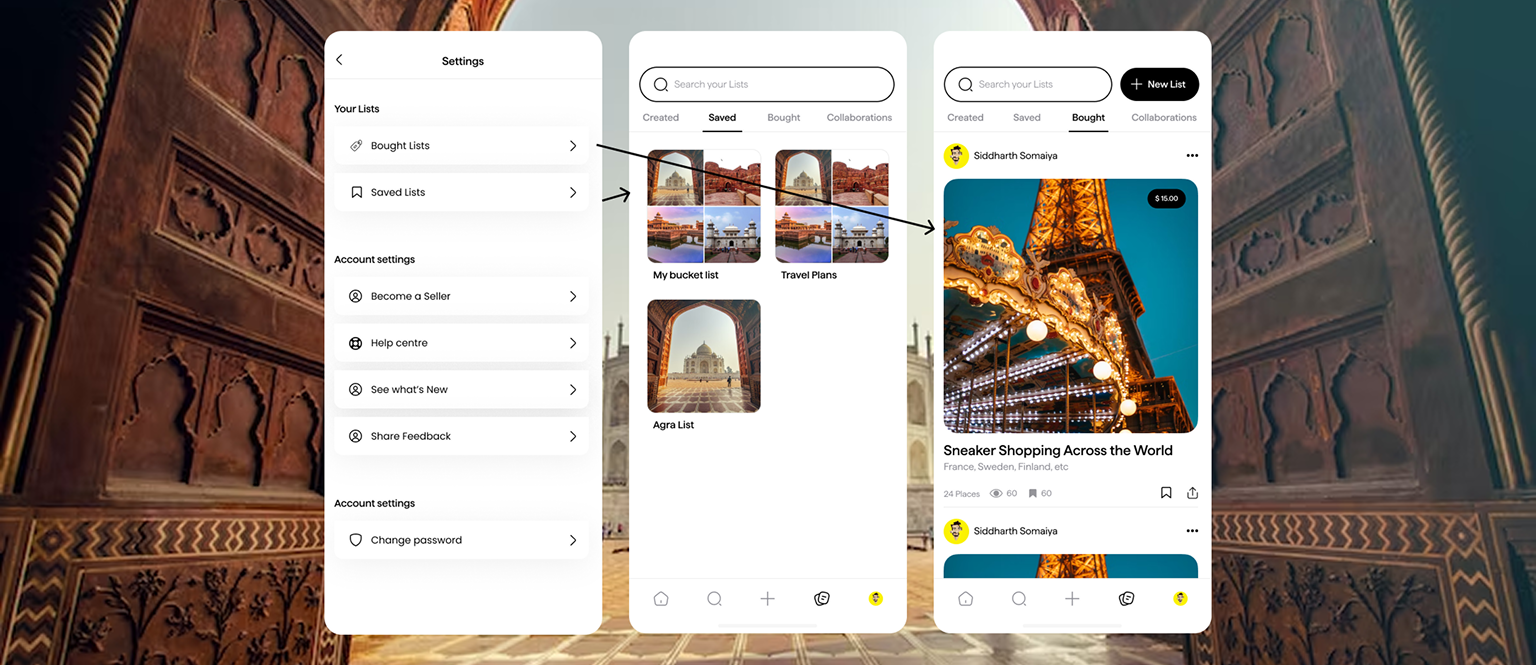
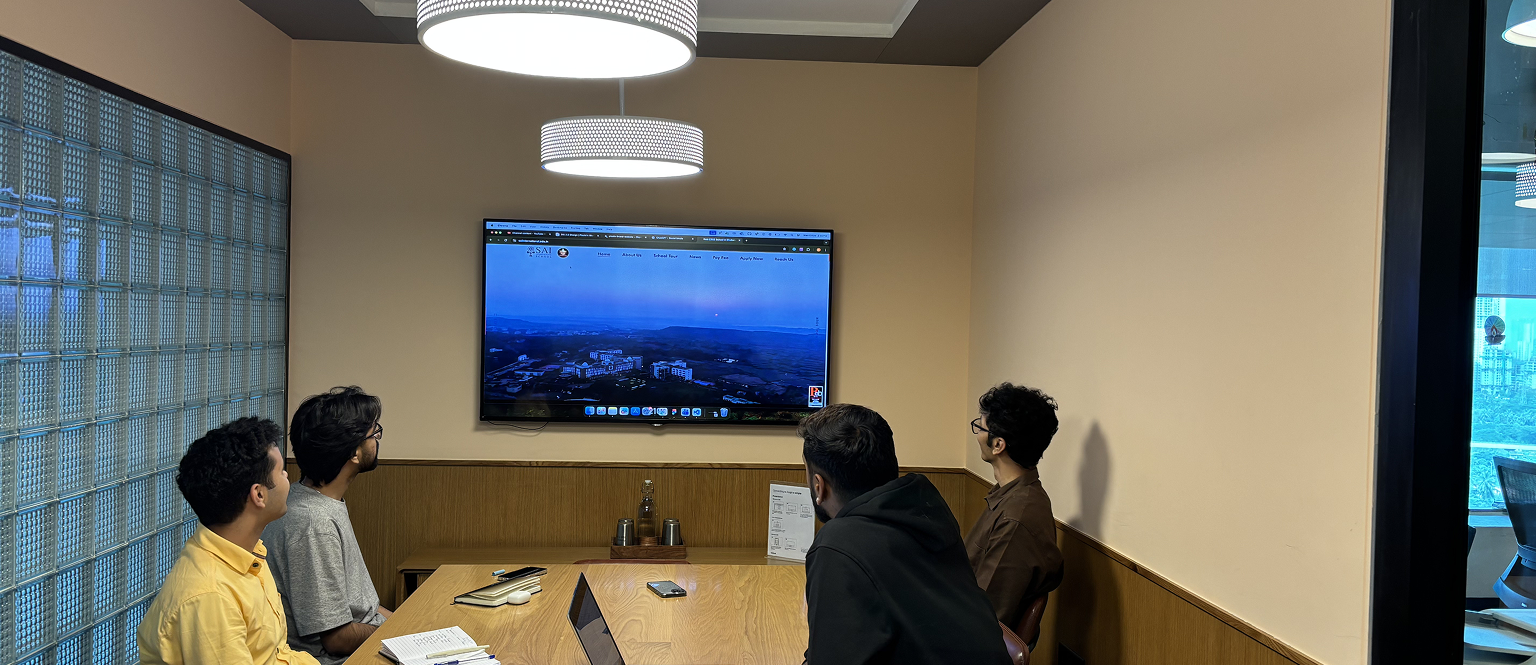
Project Visuals
Behind the Transformation
Key Takeaways
Main Learnings & Highlights
AI Should Automate Friction
01
Power of Conversational UX
02
UX is the Integration Layer
03
Limitations That Guided The Process
Project Timeline
The project carried a firm deadline, pushing the team to stay aligned and deliver on time.
Time taken
125 Hrs
Phase 1
Initial planning and research took place, establishing the framework for the project.
Time taken
50 Hrs
Phase 2
Development and implementation, where the core features were built and tested.
Time taken
75 Hrs
Phase 3
Final review and adjustments, ensuring everything met the quality standards before the launch.
Time taken
30 Hrs